Independent editorial buying guidance. Commercial links, when used, are identified. Read our affiliate disclosure.
Start with the situation, not the specification
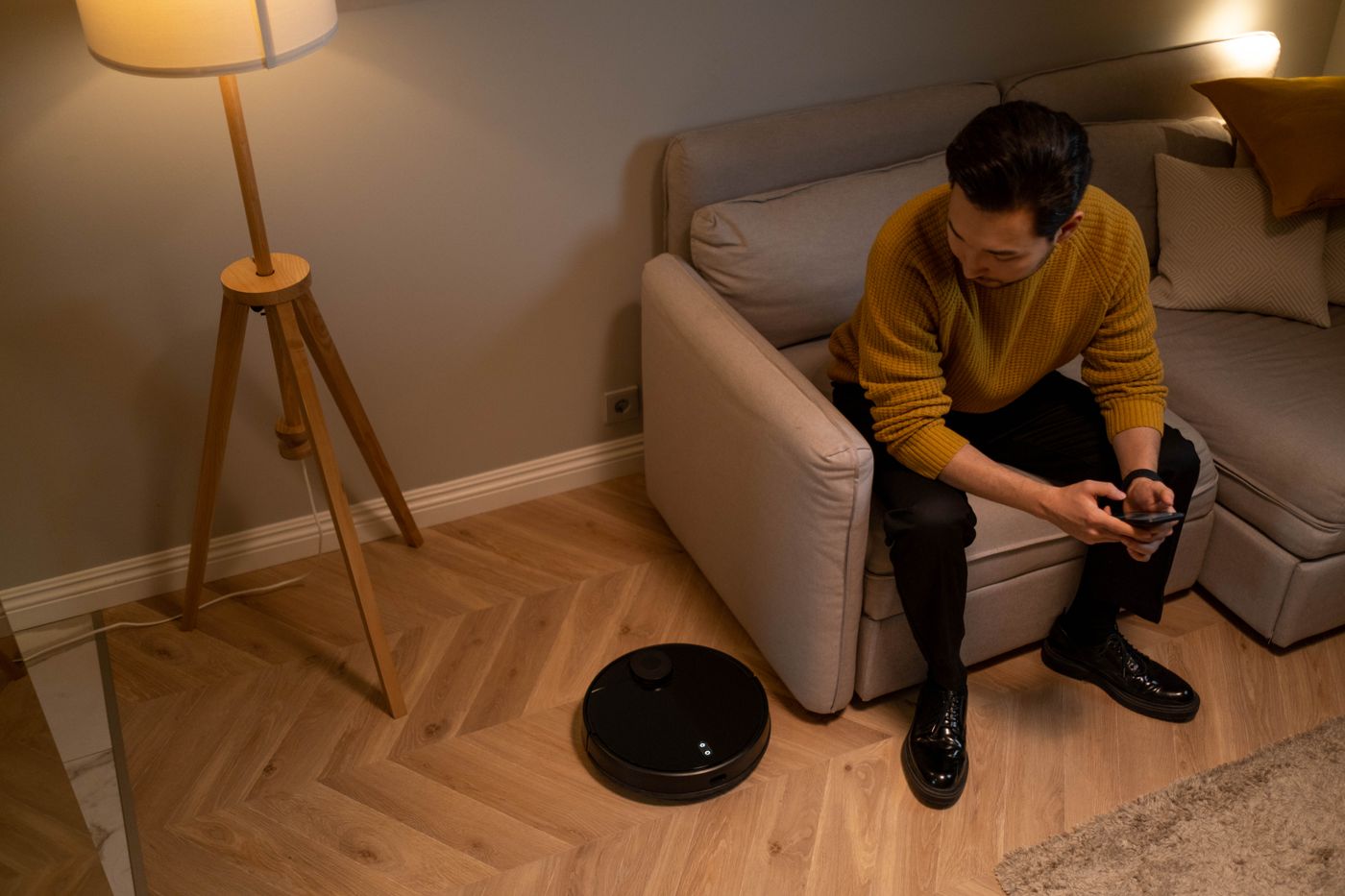
A connected appliance can bring data collection into a space shared by family, visitors, and people who never installed the app. Before bringing one home, ask what it needs to know to perform its job. A reading lamp and an indoor camera create very different privacy decisions. Treat the most sensitive device as its own purchase review.
The details worth checking
Read the product’s current privacy information for the features you intend to enable. Look for account requirements, recording, storage, sharing, retention, and deletion controls. Check whether core functions work without optional permissions. A clear off switch or physical shutter is useful only when you understand what it disables and what other sensors remain active.
The tradeoff that changes the choice
Local storage and cloud services offer different convenience and management tasks; neither label answers every security question. Remote viewing may be useful while away, but it also makes account access more consequential. Compare guest-access controls, update policies, and support availability. Avoid assuming a familiar retail brand means every connected service operates the same way.

Set it up for ordinary ownership
Use unique credentials and available account protections, keep supported software updated, and remove permissions that are no longer needed. Tell people when shared spaces are recorded. Position sensors and cameras thoughtfully instead of capturing more simply because the lens allows it. Before resale or disposal, follow the documented reset and account-removal process.
Where to save your money
The FTC’s home-device guidance provides a practical starting point for security habits. For a purchase decision, the key question is whether the benefit justifies the data and administration involved. Choose the least intrusive version that does the job. If an offline product serves the same routine comfortably, include it in the shortlist rather than treating connectivity as mandatory.
Read privacy settings before connecting the product
Make a list of features you intend to use, then check which permissions each requires. Separate remote access, recordings, voice services, and optional analytics rather than accepting them as one package. Discuss shared-space recording with the people affected. Save a note of where retention and deletion controls are located. This preparation makes it easier to choose deliberately during setup instead of accepting every prompt because you want the device to start working.
Is local storage automatically private?
It changes where information may be held, but it does not answer who can access the device, how it is protected, or whether other data is sent elsewhere. Read the current documentation for the exact functions enabled. Think about backups, theft, account access, and disposal as well as cloud services. Prefer clear controls and support information over an unexplained promise that a product is privacy-friendly.
| Option | Fits this routine | Main tradeoff or check |
|---|---|---|
| Offline product | Connectivity adds little value | No remote convenience |
| Local connected functions | Household control without extra services | Check exact data handling |
| Cloud-connected functions | Remote access is worth the account burden | Review sharing and retention |
Before you buy
- Necessary permissions
- Retention and deletion
- Household awareness
- Updates and account security
The considered choice
Choose the option that addresses necessary permissions and retention and deletion first. Keep the setup simple enough to maintain, and verify the exact product before buying.