Independent editorial buying guidance. Commercial links, when used, are identified. Read our affiliate disclosure.
Start with the situation, not the specification
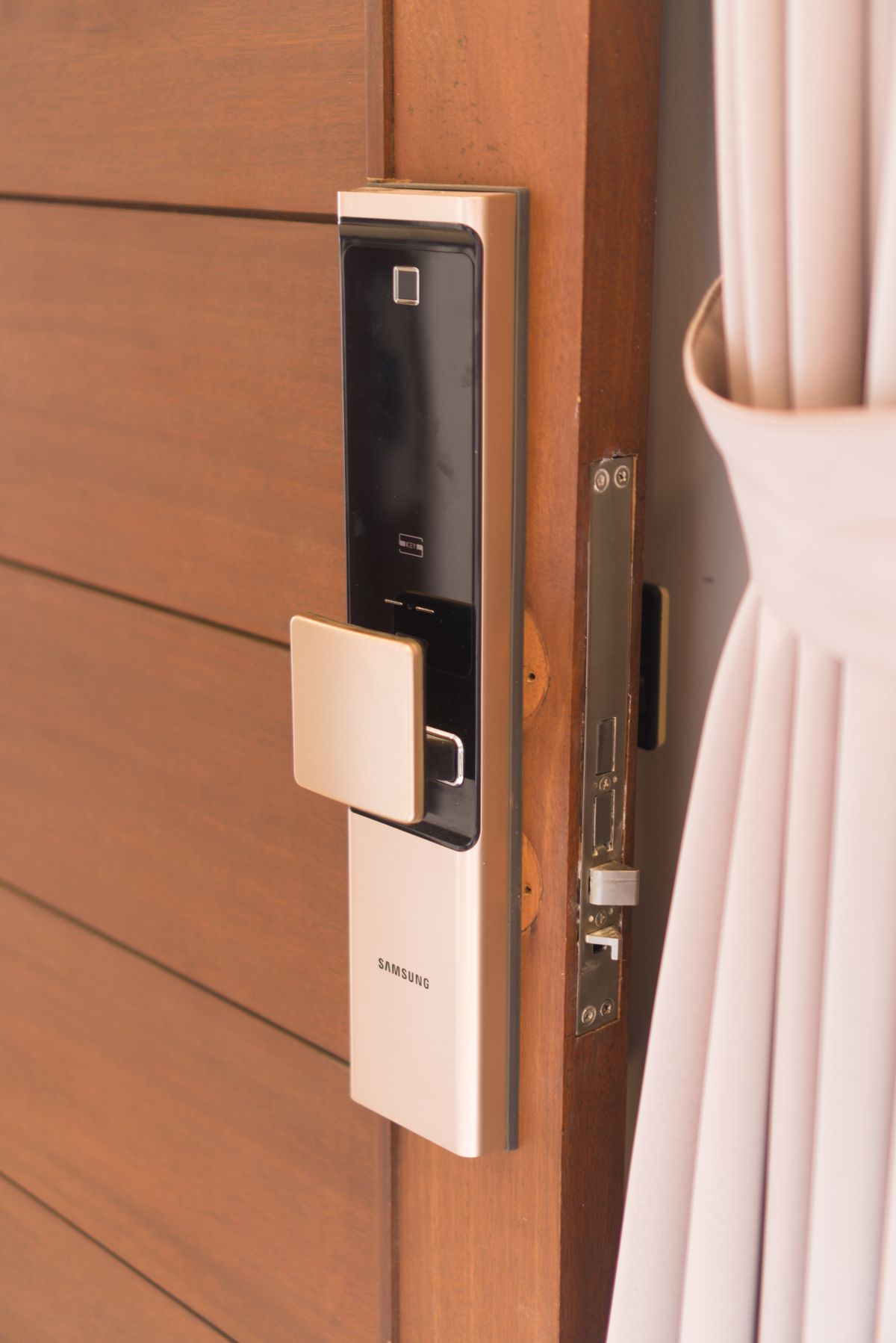
A smart lock can simplify handing access to a visiting relative or cleaner, but it sits in a routine that must still work when phones are flat. Start with the door itself. Check whether it closes cleanly, which lock type is fitted, and what the landlord or building permits before choosing a connected replacement or retrofit.
The details worth checking
Compatibility requires more than matching a brand. Confirm door dimensions, hardware type, and the specific installation requirements with the maker. If changes to security hardware are needed, use an appropriately qualified installer. Decide how regular users, occasional guests, and someone without a smartphone will enter. Document who should retain physical or other backup access.
The tradeoff that changes the choice
Keypads, phone access, and remote control offer different conveniences. Remote unlocking may involve an additional bridge, subscription, or network requirement. Check how guest permissions expire and how access records are handled. A retrofit can preserve some existing hardware, while a full replacement changes more components. Review the complete arrangement rather than buying a feature in isolation.

Set it up for ordinary ownership
Keep alternative entry available while setting up. Test locking, unlocking, low-battery warnings, and account recovery with the door in a safe state. Make sure the mechanism is not compensating for a badly aligned door. Update access promptly when a guest no longer needs it. Follow maintenance instructions and confirm that all household members can use the backup method.
Where to save your money
An attractive app is not enough reason to change essential door hardware. Buy for a clear access problem and a dependable recovery route. Do not assume a smart label represents a particular security certification. Check relevant product documentation and insurance or building conditions directly where those affect your home. Convenience must fit the door and household first.
Design guest access around a specific visit
Imagine a relative arriving while you are in a meeting. Decide how they receive access, whether they need an account, when permission should begin and end, and what happens if their phone fails. Then imagine the same visit during a network interruption. Compare those two sequences with the lock’s instructions. If a keypad is involved, check how codes are issued and revoked. Make the backup understandable to the actual visitor rather than relying on a technically confident household member.
Can a smart lock fix a stiff door?
No purchase decision should assume that it will correct a mechanical fit problem. A door that needs lifting or pulling to lock deserves attention before installing a powered mechanism. Ask a suitable installer to assess alignment and compatibility. After setup, test normal operation without forcing the door. Reliable physical operation is a prerequisite for convenient connected access, not a feature to defer until later.
| Option | Fits this routine | Main tradeoff or check |
|---|---|---|
| Existing lock | Current access routine works | Keep key management organized |
| Retrofit connected mechanism | Compatible door with retained hardware | Verify exact installation fit |
| Replacement smart lock | A defined need for new access methods | Check door, installer, and backup access |
Before you buy
- Door and hardware compatibility
- Alternative access
- Guest permission controls
- Installation and maintenance
The considered choice
Choose the option that addresses door and hardware compatibility and alternative access first. Keep the setup simple enough to maintain, and verify the exact product before buying.